
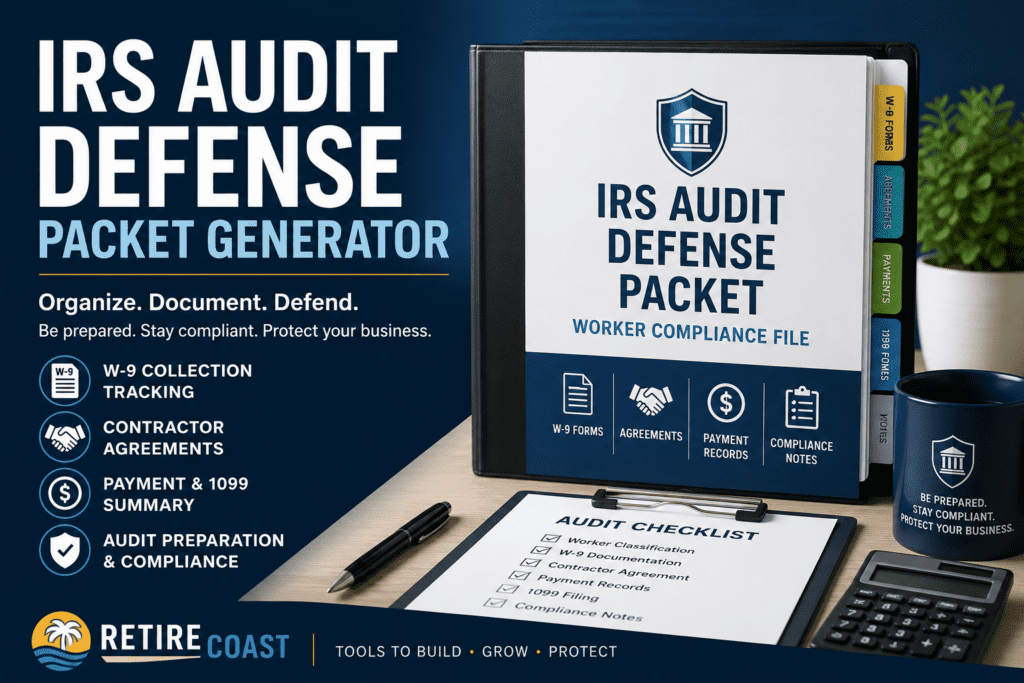
Modern RetireCoast featured image for the IRS Audit Defense Packet Generator showing a professional audit compliance binder, W-9 tracking, contractor agreements, payment records, 1099 compliance documents, and small business audit preparation tools.
RetireCoast Business Membership Tool
IRS Audit Defense Packet Generator

One of the most stressful events a business owner can face is receiving an IRS notice related to worker classification, missing 1099 filings, payroll issues, or contractor compliance documentation. In many cases, the difference between a manageable audit and a costly dispute comes down to one thing: organized records and documented compliance efforts.

The RetireCoast IRS Audit Defense Packet Generator was created to help small business owners organize the key records often requested during an IRS review or worker classification examination. This tool allows you to create a structured compliance packet containing worker classifications, payment summaries, W-9 collection status, contractor agreement records, 1099 filing information, and internal compliance notes.

Many small businesses operate with incomplete systems during their early years. Owners may hire independent contractors informally, fail to obtain W-9 forms before issuing payments, or forget to maintain written agreements explaining the nature of the contractor relationship. These gaps can become serious problems if the IRS later questions whether a worker should have been classified as an employee rather than an independent contractor.

This tool helps you begin organizing those records into a more professional and defendable structure. It also helps identify weaknesses in your compliance process by generating a risk score based on missing documentation, classification concerns, and filing issues.

Important Reminder
An audit defense packet does not guarantee protection from penalties, reclassification, or IRS findings. However, businesses that maintain organized records, written agreements, documented classification decisions, and payment histories are often in a much stronger position than businesses with incomplete or inconsistent records.

This tool is part of the broader RetireCoast Worker Compliance Dashboard included with the Business Membership. Members also receive access to advanced worker classification tools, contractor agreement generators, W-9 tracking systems, payment and 1099 tracking tools, compliance scoring systems, and additional audit preparation resources designed specifically for small business owners and LLC operators.

How to Use the IRS Audit Defense Packet Generator

This tool helps you organize worker compliance records into a structured audit preparation file. It is designed primarily for small businesses, LLC operators, real estate professionals, property managers, short-term rental owners, and other businesses that regularly hire independent contractors.

Step 1 — Enter Your Business Information
Start by entering your business name, owner or manager name, EIN (optional), audit year, and the person preparing the packet. This information creates the header section of the audit defense packet and helps organize your records for future reference.
Step 2 — Enter Worker Details
Add the worker’s name, classification status, total payments made, W-9 status, 1099 filing status, and whether a written contractor agreement exists. The tool uses this information to create a worker compliance summary and evaluate possible audit exposure areas.
Step 3 — Add Compliance Notes
Use the compliance notes areas to document important facts such as:
  • When W-9 forms were requested
  • How the contractor relationship was structured
  • Whether the worker provided invoices
  • Proof of insurance or licensing
  • Independent contractor business activities
  • Corrective actions taken after discovering compliance gaps
Step 4 — Generate the Audit Packet
Click the “Generate IRS Audit Defense Packet” button to create a printable compliance summary. The system will also generate a compliance risk score based on the information entered.
Step 5 — Print and Store Your Records
Print or save the packet and maintain supporting records separately. You should also retain:
  • Copies of W-9 forms
  • 1099 filings
  • Invoices and payment records
  • Bank statements
  • Independent contractor agreements
  • Email correspondence
  • Insurance certificates
  • Worker classification evaluations
Best Practice Tip
The best time to build an audit defense file is before a problem occurs. Businesses that collect W-9 forms before issuing payments, maintain written agreements, properly issue 1099 forms, and regularly review worker classifications are generally in a much stronger position if the IRS later reviews their records.
Part of the RetireCoast Worker Compliance System
This tool is one component of the RetireCoast Worker Compliance Dashboard included in the Business Membership. Members receive access to advanced compliance tools designed to help reduce worker classification risk, organize records, track payments, improve documentation, and strengthen operational systems for small businesses.
RetireCoast Business Membership
IRS Audit Defense Packet Generator
Create a structured worker compliance packet designed to help organize contractor records, W-9 collection efforts, agreements, payment summaries, classification documentation, and compliance notes before a tax audit or worker classification review.
Important Compliance Notice
This tool is designed to help organize records and improve documentation practices. It does not provide legal advice, tax advice, or guarantee audit protection. Businesses should consult a CPA, tax professional, or attorney regarding IRS audits, worker classification disputes, payroll compliance, or state-specific requirements.
Business Information
Worker Information
Audit Packet Preview
Complete the form to generate a printable audit documentation summary.
Build a Complete Worker Compliance System
The IRS Audit Defense Packet Generator is only one part of the RetireCoast Worker Compliance Dashboard included with the Business Membership. Members also receive advanced worker classification tools, W-9 tracking systems, contractor agreement generators, payment tracking tools, compliance scoring systems, and audit preparation resources.
Take the Next Step: Strengthen Your Worker Compliance System

You have now identified your worker compliance risk — the next step is taking action. This audit is most effective when used alongside the full Worker Compliance system inside your Business Membership.

Depending on your results, you may need to confirm classification, create or update agreements, track payments properly, or improve your worker documentation. The Worker Compliance Dashboard gives you access to the tools designed to help address each of these areas.

Build your business — then protect what you’ve built

Reducing worker compliance risk is an important step, but it is only one layer of protection. Consider strengthening your overall strategy by adding the Estate Planning Membership, designed to help protect both your business assets and personal wealth from legal, financial, and unexpected risks.

Combining compliance tools with asset protection strategies helps reduce exposure from both regulatory issues and broader business liability.
Member Use Notice: This tool has been created exclusively for RetireCoast Members and is not authorized for use by any other individuals or entities. Unauthorized reproduction, distribution, sharing, resale, or commercial use is prohibited. Copyright 2026 RetireCoast. All rights reserved.