
Business planning should start with clarity — not hype.
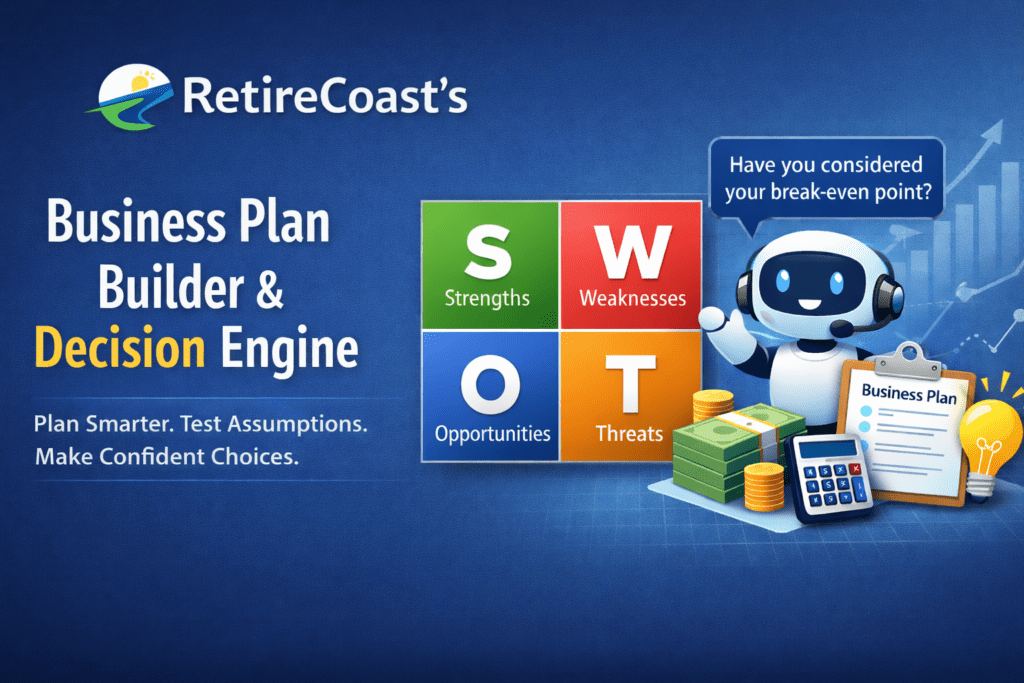
The Business Plan Builder & Decision Engine is a guided planning tool that helps you pressure-test your idea using a SWOT analysis, then build a practical business plan snapshot while a Decision Bot flags risks, contradictions, and tradeoffs.
This tool is designed to support real decisions before you invest serious time or money.
What this tool includes:
- SWOT analysis to work through your concept before writing a plan
- Guided planning inputs for basics, business model, costs, runway, and risk awareness
- Decision Bot prompts that flag common mismatch patterns (timeline, pricing, scalability, compliance)
- A printable plan snapshot for your records and future review
Important note
This tool is educational planning and decision-support only. It does not provide legal, tax, or financial advice and does not replace professional review.
Progress: 0%
SWOT discovery
Keep entries short and specific. The bot uses this later to challenge assumptions and highlight gaps.
Examples: relevant experience, existing audience, access to equipment, unique skill, time flexibility.
Examples: low startup cash, limited time, skill gaps, founder dependency, no systems.
Examples: underserved niche, trend, local demand shift, tech leverage, partnerships.
Examples: competition, regulation, price pressure, platform dependency, economic sensitivity.
Suggested minimum: 2 strengths, 2 weaknesses, 2 opportunities, 2 threats.
The Decision Bot will warn if any category is empty.
Basics
Define intent and constraints. The bot uses this to detect unrealistic timelines or time-to-income mismatch.
Business model
Pick a model, then the bot checks alignment with SWOT, time, and exit intent.
Costs & runway
The bot looks for high fixed costs, short runway, and missing margin logic.
Enter price + variable cost to calculate a simple margin estimate in Summary.
Risk & structure awareness
Educational prompts only (not legal/tax advice). The bot flags high-risk + low-prep combinations.
Summary
This pulls your inputs into a printable plan snapshot. Use Print Plan when ready.
Educational planning and decision-support only. Not legal, tax, or financial advice. If you’re making high-stakes decisions, consider professional review.
Decision Bot
Active
Start with SWOT. As you fill this out, I’ll flag contradictions, gaps, and risk patterns worth addressing.
Next question
What’s the biggest weakness that could realistically stop this business in the first 90 days?
Tip: Use “Save Draft” any time. This tool stores your draft in your browser so you can continue later.
How to use this tool
Use this tool iteratively. You may revisit it multiple times while refining your business idea—and again later as your plan evolves.
Before you begin, we recommend reading the companion article to make the Risk & Structure section easier to complete.
Tip: Start with SWOT and be honest. Strengths and weaknesses are internal. Opportunities and threats are external.
What each section means
SWOT: Strengths, Weaknesses, Opportunities, Threats. This is where you pressure-test your idea and follow the examples.
Basics: Foundational details that help produce meaningful results (time, urgency, goals, summary).
Business Model: How revenue is earned, how it scales or duplicates, and how you plan to sell.
Costs & Runway: Pricing, startup and monthly costs, and how long you can operate without income.
Risk & Structure: Risk awareness, structure considerations, and compliance research items.
Basics: Foundational details that help produce meaningful results (time, urgency, goals, summary).
Business Model: How revenue is earned, how it scales or duplicates, and how you plan to sell.
Costs & Runway: Pricing, startup and monthly costs, and how long you can operate without income.
Risk & Structure: Risk awareness, structure considerations, and compliance research items.
Save, Print, Reset
Save Draft: Keep your progress and come back later.
Print Plan: Generate a clean plan snapshot for review.
Reset: Start fresh if you want a new approach.
It’s normal to revisit this tool multiple times during planning and later when you revise your plan.
Print Plan: Generate a clean plan snapshot for review.
Reset: Start fresh if you want a new approach.
It’s normal to revisit this tool multiple times during planning and later when you revise your plan.
Educational planning and decision-support only. Not legal, tax, or financial advice.
Read the companion article
Millennial Financial Hub
Millennial Calculator Hub
Use these resources if you need help with structure, budgeting, and planning assumptions.